Lordy™.app
next generation property management software
Lordy™.app offers a simple and effective record-keeping solution for landlords and property managers.
Everything you need
The most effective tool for keeping track of real estate records
Analytics and Statistics
Simplify your work and gain valuable insights into your business with our advanced analytics tools
Global Data Access
Our native cloud solution gives you access to your records anytime, anywhere
Scale and Grow
Whether you’re just starting out or looking to expand, our platform is built to grow with you
Pro
Designed for growing landlords, the Pro Plan offers enhanced tools for managing multiple properties.
Property Manager
Built for professional property managers, this plan offers powerful features to handle a larger portfolio
Enterprise
Tailored for large-scale operations, the Enterprise Plan provides robust tools for managing extensive property portfolios.
Start for FREE, scale anytime!
Free plan is ideal for individual landlords managing a single property. Get started with basic features to manage your property efficiently. No credit card required.
- Ad-Free forever!
- Own your data; download anytime, anywhere, without limit.
- No Credit Card Required
- Upgrade to higher tier plans based on your needs
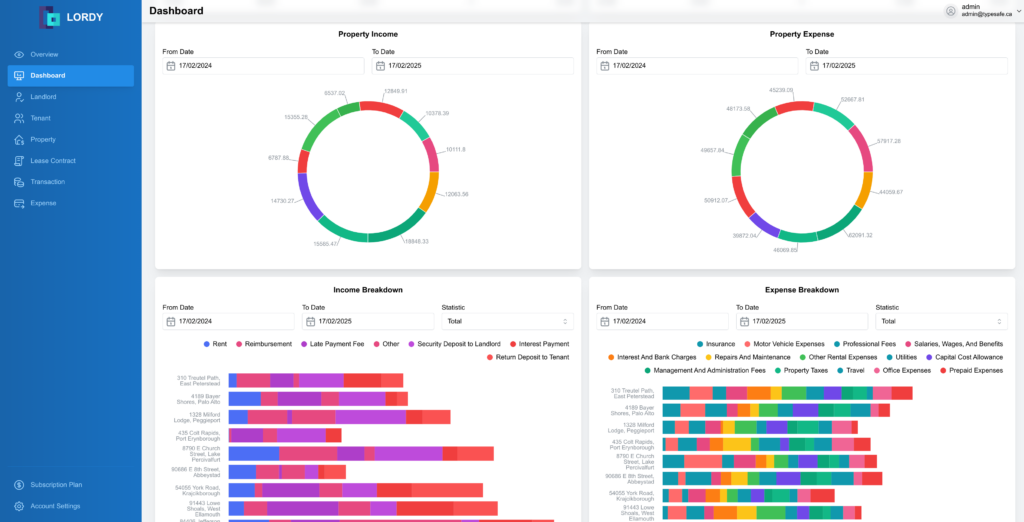
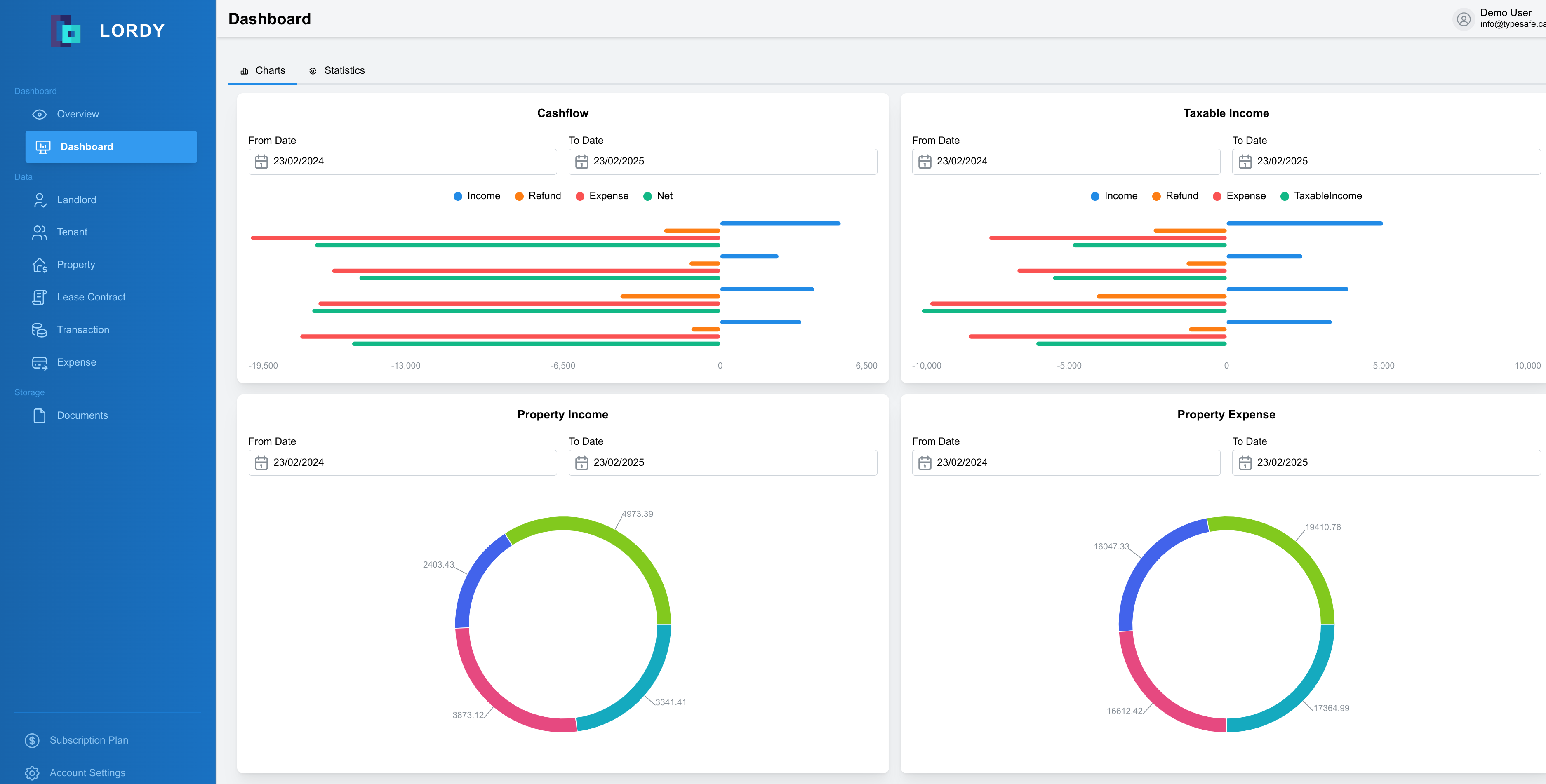
Insightful Dashboard
Gain insights on all your real-estate investments
- Track Net Income/Expense
- Bird-eye view of financial performance of each property in one place
- Cashflow and taxable expense per property
- One dashboard to rule them all!
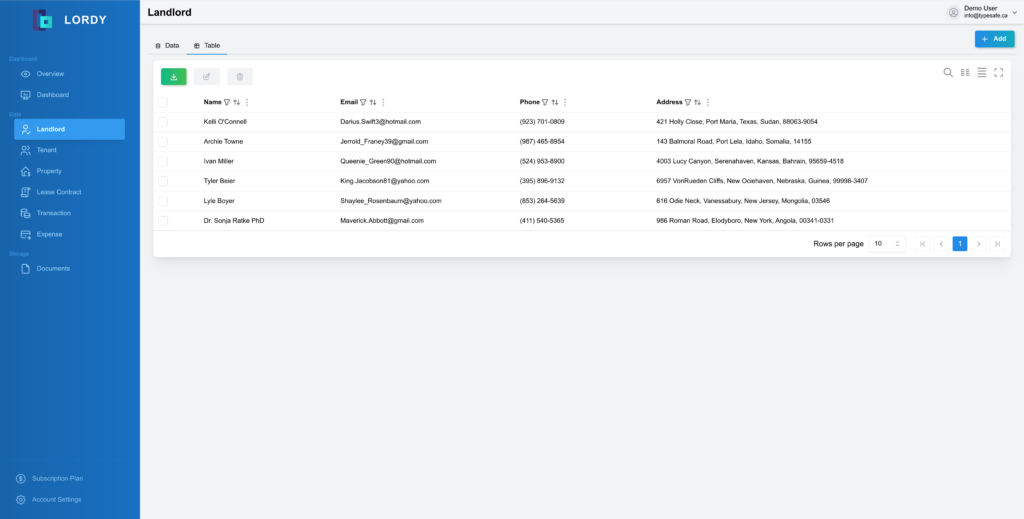
Record Landlords and Tenants
Record all landlords and tenants in a unified platform
- Landlord records
- Maintain Historical Data
- Tenant Records
- Perfect for Auditing
Keep track of multiple properties – all in one place
Lordy allows you to easily manage all the financial and contractual records of your real estate properties on a single platform that grows with you
- Multiple Real Estate Properties
- All your lease contracts in one place
- Multiple Landlords and Tenants
- Financial Records with receipt attachments
Landlords and Tenants
keep track of all the landlords and tenants
Real Estate Properties
manage all your real estate properties in one place
Lease Contracts and Financial Transactions
track all lease contracts, docs, and transactions
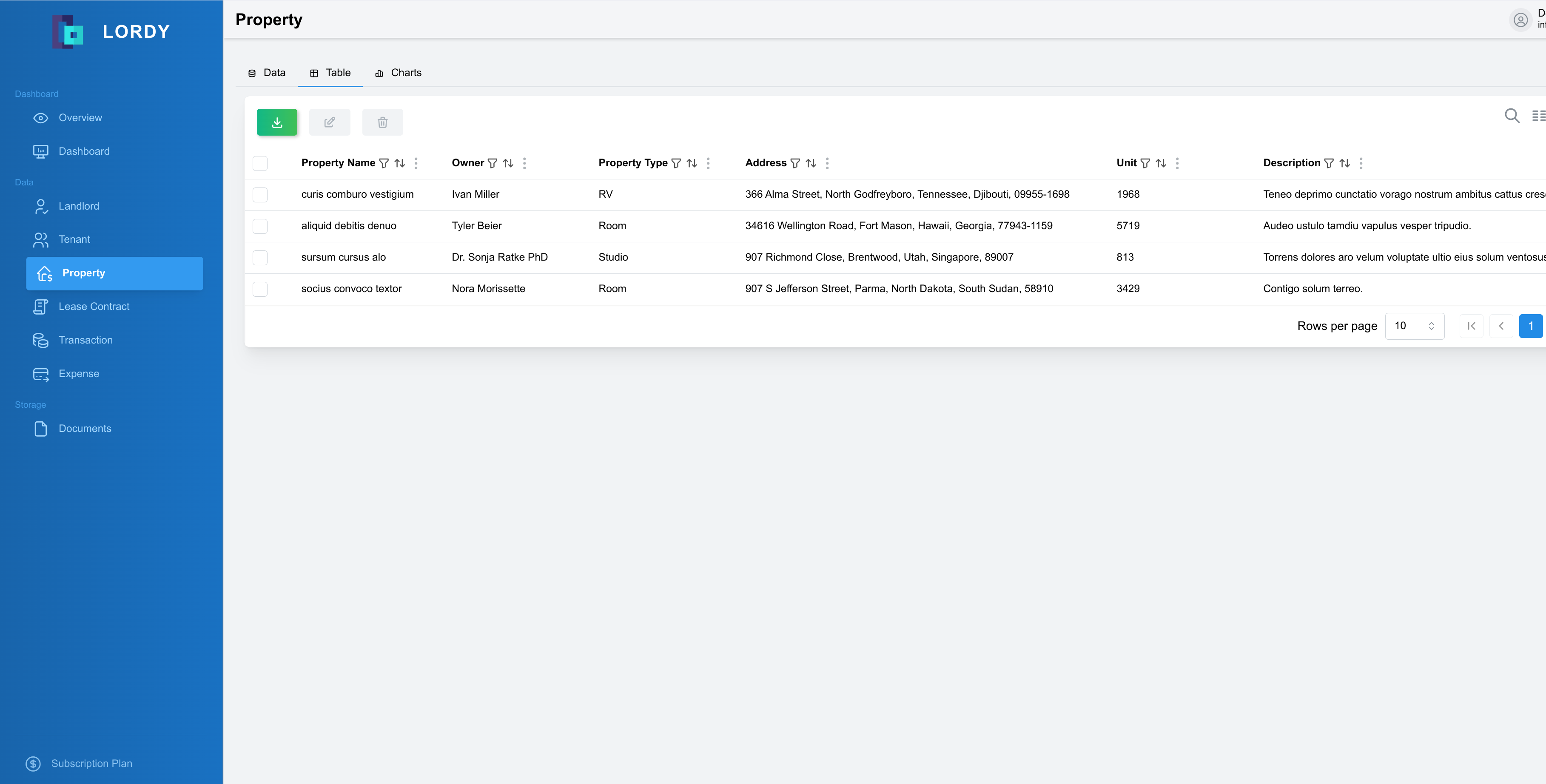
Property Management
Record all your real estate properties in one place
- Keep track of all real-estate assets in a single place
- Track expense incurred by each property
- Gain insight on income generated per property
- Detailed statistics on the financial performance of all assets
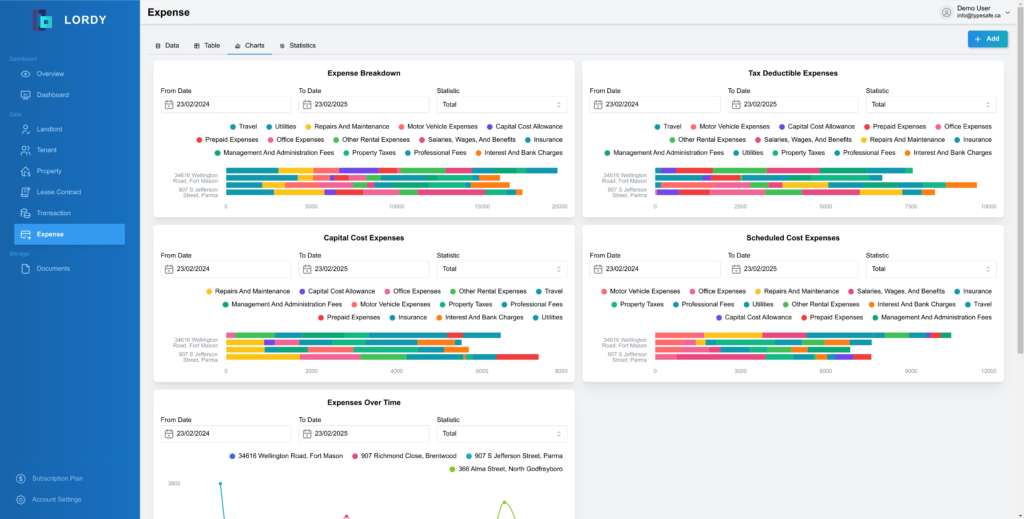
Expense Management
Manage all your property expenses effortlessly with Lordy, all in one place.
- All-in-one expense tracking
- Access anytime, anywhere
- Save time and stay organized
- Insightful dashboards and statistics at your fingertips
100%
Cloud Native
5 star
User reviews
12+
Analytics Dashboards
100M+
Transactions Recorded
Designed to scale as your business grows
Lordy offers a cloud-native solution that is always available wherever you go
- Designed to scale globally
- 100% Cloud Native
- Financial Analytics Dashboards
- 99.9% Uptime
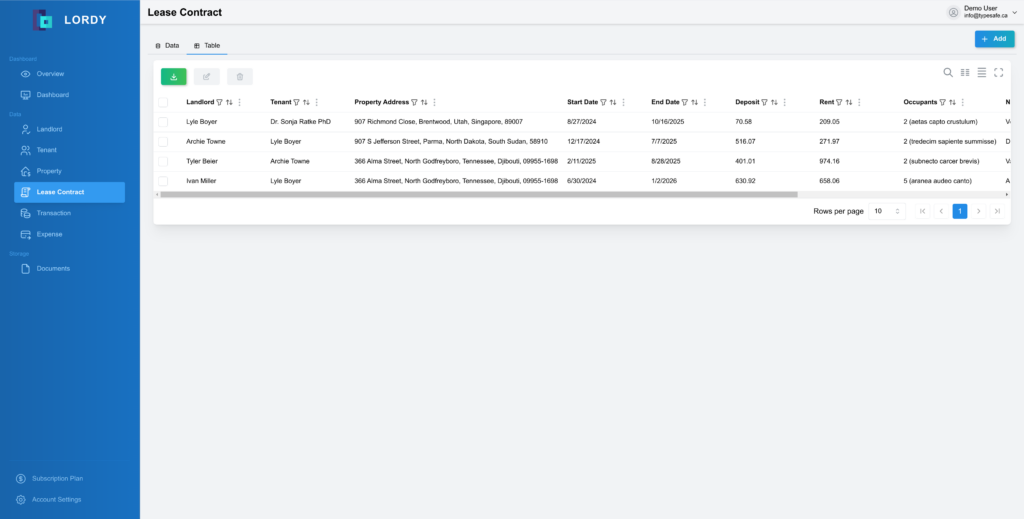
Lease Contract Tracking
Keep all your lease contracts in one platform
- Historical Insight
- Access anytime
- Upload Lease Contract
- Perfect for Auditing
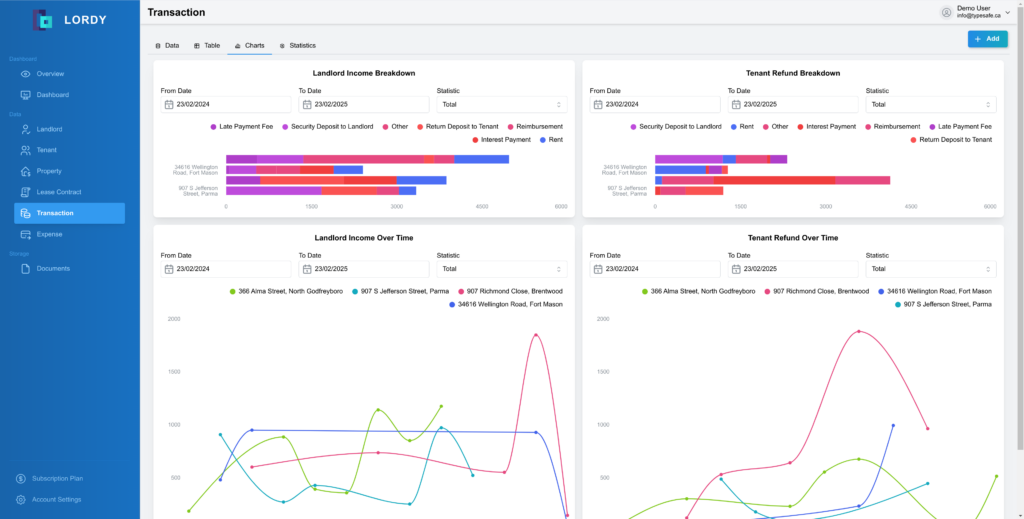
Record Transactions
Record all transactions between landlords and tenants
- Rent Tracking
- Security Deposit
- Late fees and reimbursements
- Charts showing transactions over time, and overall income
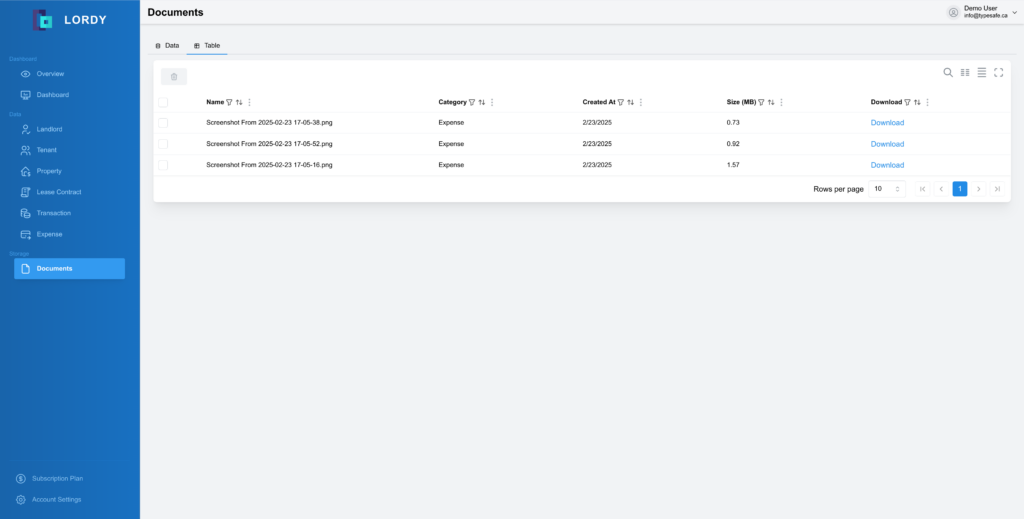
Document Management
Keep all your documents in one place!
- Store all your documents in the cloud!
- All receipts, bills, and lease contracts in one place
- Access all documents from anytime, anywhere
- Fully encrypted to protect your privacy
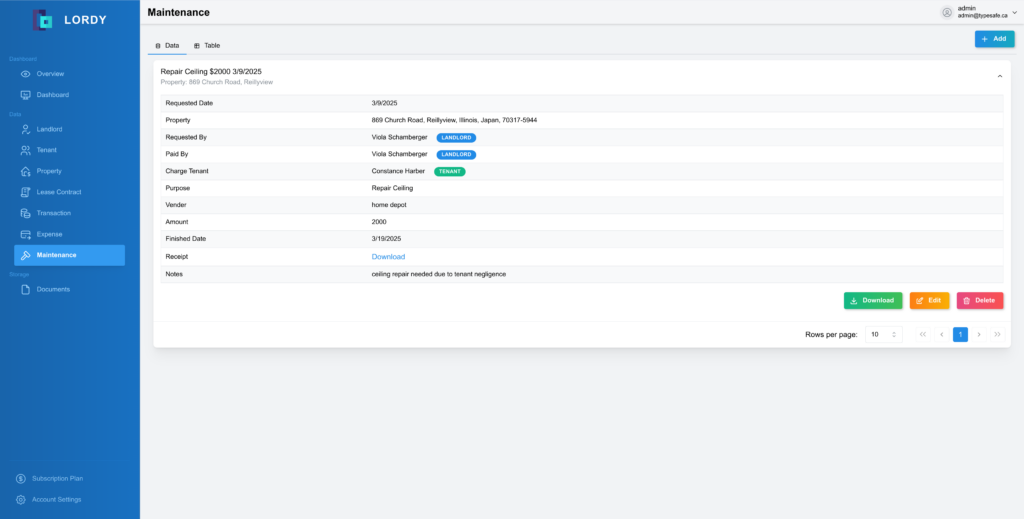
Maintenance Records
Keep track of all maintenance requests and records in one place
- All-in-one maintenance tracking
- Track if tenant is responsible
- Save time and stay organized
- Record requests, repair costs, and much more
FAQs
Frequently asked questions
How do I get started?
Are my data private?
How can I add a new landlord?
How can I add a new tenant?
How can I add a new transaction?
How do I request new features or report issues?
How can I add a new real estate property?
How can I add a new lease contract?
How can I add a new expense?
How can I add a new maintenance record?
Question not answered above? Contact us →
Ready to get started?
There has never been a better time than right now.